Back to Horus GlassGOOD DESIGN IS WORTH SHARINGA little inspiration.
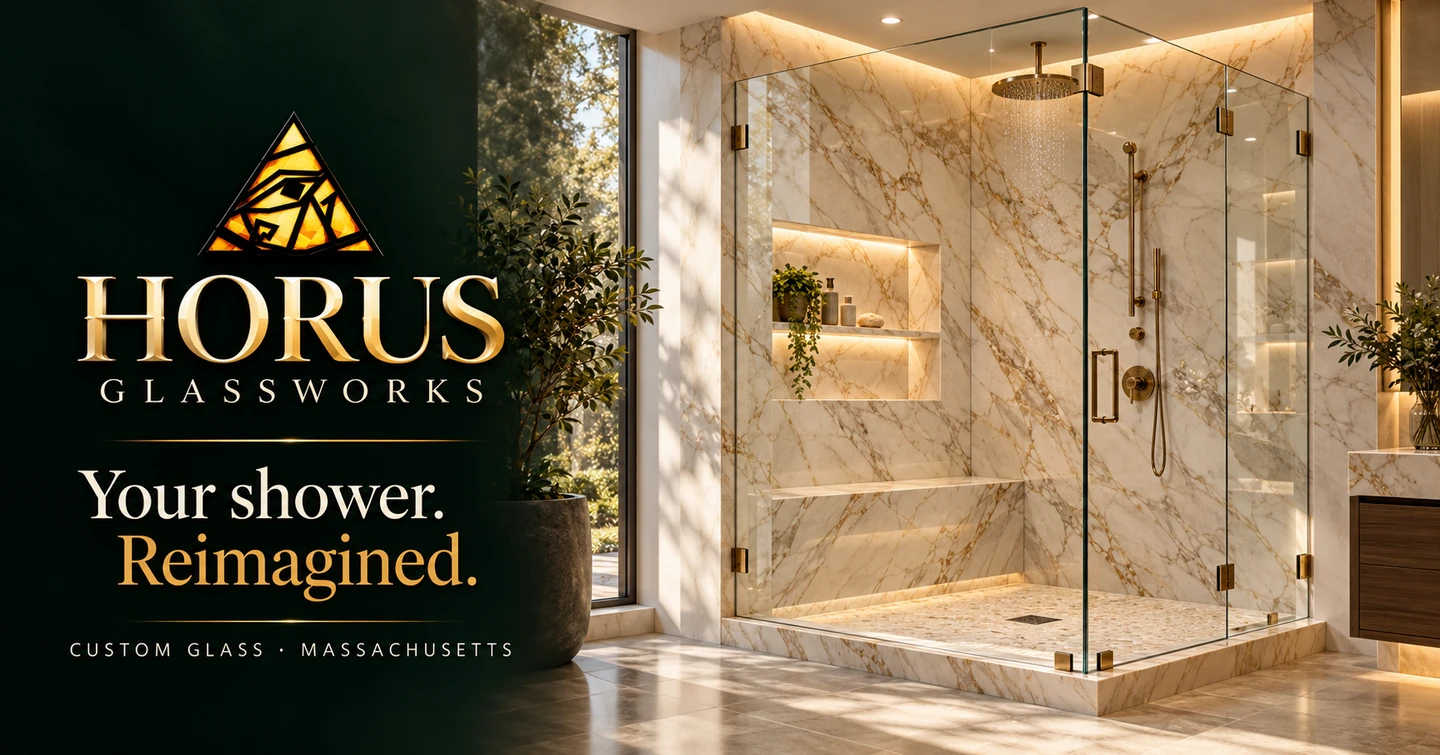

A little inspiration.
One easy connection.
Share Horus Glass with someone nearby.
TOGETHER IN PERSON?
Let them scan.
Point their phone’s camera at this code, then tap the link to open our main website.
Save QR codeKeep this ready on your iPhone
Open this page in Safari, tap Safari’s Share button, then choose Add to Home Screen. Next time, open the shortcut and tap Share Horus Glass → AirDrop, or show the QR code.
AirDrop needs Wi-Fi and Bluetooth on both Apple devices. The recipient accepts the link and may be asked to share an AirDrop code. The thumbnail’s appearance depends on the receiving app.
Custom glass. Massachusetts craftsmanship.